
Canon imageCLASS LBP6030w
3.8Editor score
Compact wireless design
19 pages per minute speed
Low power consumption mode
This guide compares the top 10 laser printers with cheap toner options for home and office use in October 2026 based on cost efficiency and performance metrics.
Finding a laser printer with cheap toner is essential for minimizing long-term printing costs. Many users prioritize initial price but overlook cartridge expenses. This guide highlights models known for affordable consumables and reliable performance.
We evaluated ten top-rated monochrome laser printers based on toner yield, upfront cost, and connectivity features. Our analysis focuses on total cost of ownership to help you find the most economical choice for your specific needs.
Each product entry includes detailed specifications, pros, cons, and real-world usage insights. Please note that prices and availability change frequently so verify current listings before making your final purchasing decision today.
3.8Editor score

4.1Editor score

4.5Editor score
The following table provides a side-by-side comparison of all ten selected laser printers. We highlight key specifications such as print speed, connectivity options, and toner compatibility to help you make an informed choice quickly.




The Brother HL-L2405W stands out as a top choice for users seeking a laser printer with cheap toner. It offers crisp monochrome prints and seamless connectivity options for home offices. Its reputation for reliability makes it a strong contender in this category.
We may earn a commission when you buy through this link, at no additional cost to you.
This model delivers sharp documents quickly thanks to its 30 ppm speed. The built-in dual-band wireless ensures stable connections across various devices. Users can manage printing tasks remotely via the Brother Mobile Connect app which adds significant convenience.
While it lacks automatic duplex printing, the manual duplex option reduces paper waste when needed. The compact design fits well on small desks without sacrificing performance. Maintenance is straightforward with accessible toner replacement and clear error messages.
Ideal for home users and small teams, this printer balances cost and performance effectively. It supports subscription services that can lower long-term costs significantly. We recommend it for those prioritizing value and consistent output quality.
The printer supports TN830 and TN830XL cartridges with optional subscription savings up to 50 percent for genuine supplies.
Print directly from smartphones or tablets using the Brother Mobile Connect app for efficient workflow management anytime.
We may earn a commission when you buy through this link, at no additional cost to you.
The Canon imageCLASS LBP6030w is perfect for tight budgets needing basic printing without compromising quality. It prints efficiently using standard toner cartridges that are readily available and affordable. This model excels in small spaces due to its minimal design.
We may earn a commission when you buy through this link, at no additional cost to you.
With 19 ppm speed it handles everyday documents adequately for light users. The wireless setup connects devices effortlessly across your network. Its low power consumption in energy saver mode helps reduce electricity bills over time.
Users should note the lack of duplex printing which may increase paper usage for double-sided documents. The paper tray holds fewer sheets than larger models requiring frequent refills during heavy tasks. Still, it remains a solid entry-level option.
This printer suits students or solo professionals needing reliable black and white prints. The combination of low cost and reliable performance makes it a winner in budget categories. Consider it if speed and volume are not your top priorities.
Its small size fits easily on desks while using less than two watts in sleep mode for energy savings.
Connect from mobile devices or computers with ease thanks to integrated wireless capabilities for flexible printing.
We may earn a commission when you buy through this link, at no additional cost to you.
The Brother HL-L2480DW combines speed and functionality making it ideal for busy home offices. It supports cheap toner options while delivering premium output quality. The all-in-one capabilities reduce the need for multiple devices saving valuable desk space.
We may earn a commission when you buy through this link, at no additional cost to you.
Print speeds up to 36 ppm ensure quick turnaround for large jobs. The intuitive touchscreen simplifies navigation and cloud app integration. Duplex printing saves paper automatically which aligns with eco-friendly practices and reduces ongoing supply costs.
While the upfront investment is higher, the long-term savings from duplex and subscription services offset this. The unit is larger than basic models so ensure adequate space. Performance reliability remains consistent over time with minimal jamming.
Best for small teams or power users needing versatile functionality. The balance of cost efficiency and high-end features makes it a top premium choice. We highly recommend it for those seeking a comprehensive printing solution.
Scan copy and fax documents with ease using the integrated flatbed and automatic document feeder for multitasking.
Navigate settings and cloud apps easily with the 2.7 inch touchscreen for streamlined user interaction.
We may earn a commission when you buy through this link, at no additional cost to you.
This Brother model offers robust multifunction capabilities perfect for small offices needing fax and scan features. It maintains low running costs with accessible toner subscriptions. The design prioritizes speed and connectivity for seamless workflow integration.
We may earn a commission when you buy through this link, at no additional cost to you.
Print and scan speeds are impressive ensuring tasks are completed quickly. The 2.7 inch touchscreen supports cloud apps like Google Drive for flexible file management. Dual-band WiFi keeps connections stable even in crowded networks.
The auto document feeder reduces manual effort when processing multi-page documents. While it includes fax which may not be essential for all users it remains a valuable tool for legacy communication. Overall it is a solid investment.
Ideal for professionals who need more than simple printing. The combination of high output and cost-effective supplies makes it a standout. Choose this if you require full office functionality in a compact unit.
Connect via USB Ethernet or dual-band wireless for flexible options across diverse office environments.
The 50-sheet ADF allows quick scanning of multiple pages without manual feeding.
We may earn a commission when you buy through this link, at no additional cost to you.
The Brother HL-L2460DW delivers high-speed duplex printing at a reasonable price point. Its focus on efficiency makes it suitable for small teams managing daily print volumes. The toner options remain budget-friendly with subscription incentives.
We may earn a commission when you buy through this link, at no additional cost to you.
Automatic duplex saves time and paper while maintaining crisp text quality. Wireless setup is straightforward and the mobile app offers convenient remote management. The large paper tray minimizes interruptions during busy periods.
Lack of a touchscreen simplifies operations but lacks advanced navigation options. It relies on standard drivers which are well-supported across operating systems. This model is straightforward and dependable for essential printing tasks.
Perfect for users needing fast two-sided prints without extra features. The balance of speed and supply cost is appealing for home offices. We recommend it for those prioritizing speed and reliability over bells and whistles.
Print up to 36 pages per minute with automatic two-sided printing to maximize productivity.
Choose between wireless Ethernet or USB connections to fit your network setup.
We may earn a commission when you buy through this link, at no additional cost to you.
This Canon model stands out for including a high-yield toner cartridge right in the box. It is a wired unit offering reliable connections without wireless complications. The multifunction design adds scanning and copying capabilities to its core printing role.
We may earn a commission when you buy through this link, at no additional cost to you.
Print speeds of 19 ppm are suitable for light to moderate workloads. The energy saver mode minimizes power consumption during idle times. Setup is simple with included USB cables ensuring immediate use upon unboxing.
Users requiring wireless may find the lack thereof limiting in shared environments. The toner yield helps offset the initial cost over time. It is best for users who prefer direct connections for security.
Ideal for home users needing basic scanning and copying without internet reliance. The upfront toner value makes it economical for short-term use. Consider it if you prioritize simplicity and included supplies.
Receive up to 2300 pages of print capacity immediately with the included high yield cartridge.
Scan and copy documents easily using the dedicated copier and scanner functions.
We may earn a commission when you buy through this link, at no additional cost to you.
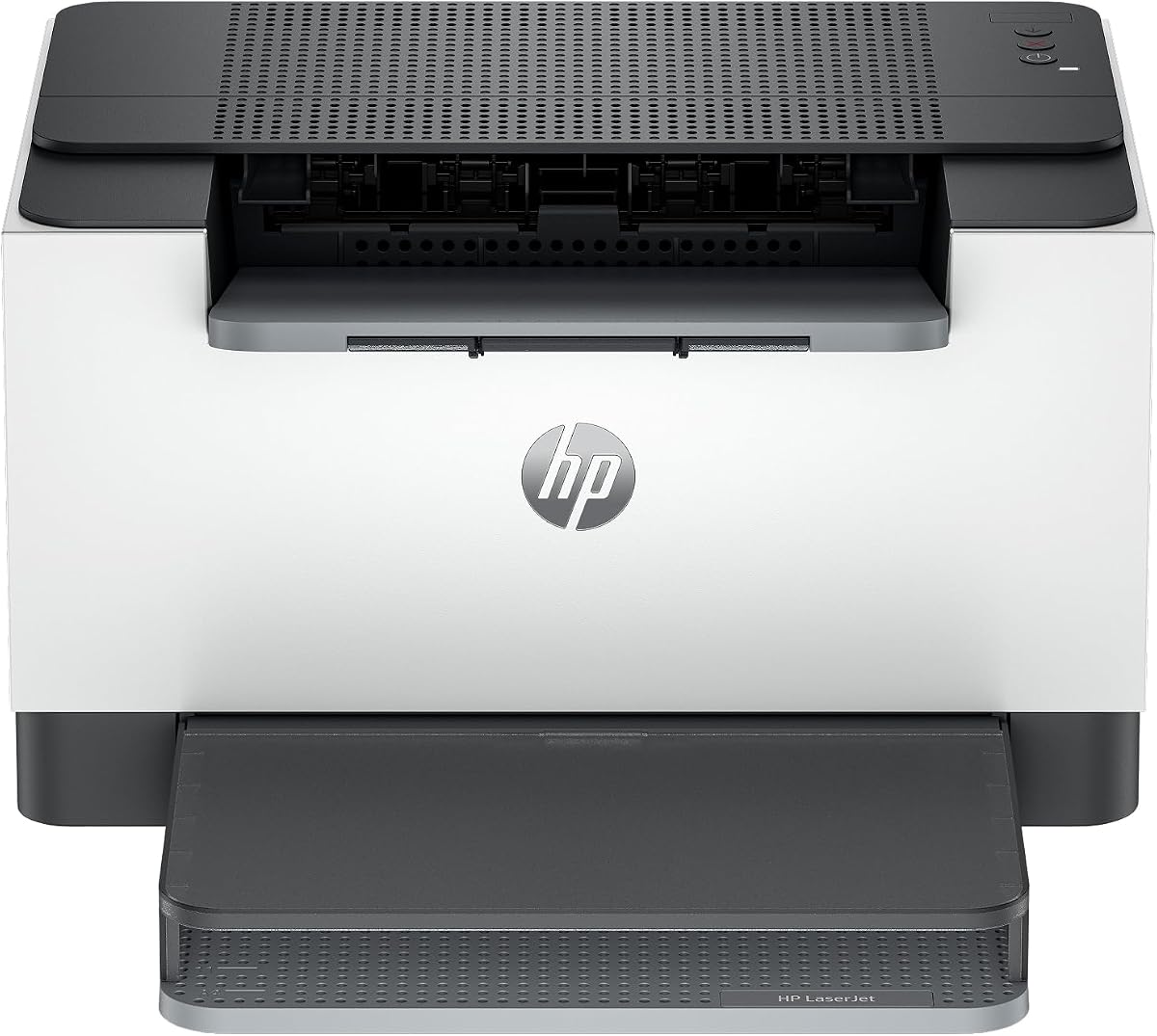
The HP LaserJet M110w is designed for small teams needing quick and easy printing. It offers wireless connectivity and mobile app support for flexible workflow. Its compact form fits in limited spaces without sacrificing print quality.
We may earn a commission when you buy through this link, at no additional cost to you.
With speeds of 21 ppm it handles basic tasks efficiently. The HP Smart app simplifies setup and scanning to the cloud. Self-reset WiFi helps maintain connectivity without needing manual reconfiguration often.
Be aware of HP's strict chip security which limits third-party toner options. This can increase long-term costs compared to other brands. Ensure you are comfortable with official cartridge usage before purchasing.
Best for users who value brand reliability and ease of use. The compact design is great for desks or small offices. It is a practical choice if security features are a priority.
Use the HP Smart app to eliminate steps in repetitive tasks and scan to cloud storage easily.
Fits in tight spaces while maintaining professional quality output for any document.
We may earn a commission when you buy through this link, at no additional cost to you.
This HP model offers advanced features like duplex printing and Instant Ink eligibility. It provides flexibility in how you manage toner supply through subscription or standard cartridges. The speed and connectivity make it suitable for small office environments.
We may earn a commission when you buy through this link, at no additional cost to you.
Dual-band WiFi ensures stable connections while self-reset resolves minor network issues. Security features help protect your printer from potential attacks which is crucial for shared networks. Print speeds of 30 ppm keep tasks moving quickly.
Instant Ink can offer savings but requires a monthly commitment. Those preferring one-time purchases may find standard toner costly due to chip restrictions. Consider your usage patterns before committing to a subscription plan.
Ideal for teams needing secure and efficient printing with flexibility. The balance of features and performance supports productivity well. Choose this if you want modern convenience and reliable output.
Built-in security features help protect your printer from potential attacks while maintaining strong network integrity.
Instant Ink eligibility allows you to choose between subscription or standard cartridge purchase options.
We may earn a commission when you buy through this link, at no additional cost to you.
The Canon imageCLASS LBP122dw is a modern unit designed for home and personal printing. It features wireless duplex printing which saves paper and effort. The compact design ensures it fits easily in various environments.
We may earn a commission when you buy through this link, at no additional cost to you.
Print speeds of 30 ppm are fast enough for most daily needs. The Canon PRINT app allows printing on-the-go from mobile devices. It uses 071 toner which is widely available and reasonably priced.
The lack of a touchscreen means reliance on software for settings. It is a simple machine focused on core printing tasks. This makes it easy to use but limits advanced functionality.
Perfect for individuals needing a reliable duplex solution. The combination of speed and affordability makes it a strong contender. Consider it for personal home office setups requiring efficient two-sided printing.
Print on-the-go with Canon PRINT app for flexible management from your mobile device.
Compact design fits almost anywhere in your home or office without taking up valuable space.
We may earn a commission when you buy through this link, at no additional cost to you.
This HP all-in-one printer combines scanning copying and printing in one efficient unit. It supports duplex printing and offers strong security features. Ideal for offices needing reliable performance without complex setups.
We may earn a commission when you buy through this link, at no additional cost to you.
The fastest two-sided printing in its class ensures quick completion of large documents. Ethernet is included for stable wired connections alongside dual-band WiFi. Security features protect the printer from potential network attacks.
Toner options are restricted to HP chips which may increase costs. If you need versatility and connectivity this unit delivers. It supports various mobile devices for seamless printing from anywhere.
Best for small to medium offices needing a complete printing solution. The security and speed features make it a valuable asset. Consider it if you prioritize safety and efficiency in document handling.
Print scan and copy black and white brochures documents with ease for any office task.
Includes Ethernet for stable connections along with dual-band wireless for flexible access.
We may earn a commission when you buy through this link, at no additional cost to you.
Selecting the right printer involves looking beyond upfront price. This guide outlines key factors to consider for long-term value and performance.
Evaluate the page yield and price of replacement toner cartridges. High-yield options often lower cost per page significantly over time.
Focus on models with high yield toners to reduce replacement frequency and overall cost.
Some manufacturers offer subscription plans that deliver toner automatically based on usage. These services often include discounts on genuine supplies.
Consider subscription services if you prefer convenience and consistent supply at a lower price.
Check if the printer accepts third-party or compatible toner cartridges. Some brands restrict this through chip technology which limits options.
Choose printers with open compatibility to access cheaper aftermarket toner alternatives easily.
Match the printer speed to your expected print volume. Faster speeds reduce wait times but may increase maintenance needs.
Select a speed that matches your daily workload without overpaying for unused capacity.
Modern workflows require wireless or mobile printing capabilities. Ensure the printer supports your devices such as smartphones or tablets.
Prioritize dual-band wireless or Ethernet connections for stable and flexible network access.
Automatic duplex printing saves paper and reduces environmental impact. Manual duplex options require more user intervention but still work.
Look for automatic duplex if you print two-sided documents regularly to save on paper costs.
A larger paper tray reduces the frequency of refills during busy periods. Some models include additional trays or manual feed slots.
Choose a capacity that fits your printing volume to minimize interruptions during work.
Check the warranty length and availability of customer support. Reliable brands offer phone chat or email assistance for troubleshooting.
Ensure strong support options to resolve issues quickly and keep your printer operational.
Keep your printer in a clean dry environment to prevent dust from entering internal components. Regularly wipe the exterior and avoid stacking items on top of the unit.
Use genuine or approved toner cartridges to maintain print quality and avoid voiding warranties. Replace cartridges when low alerts appear to prevent streaks or missing text in documents.
Perform periodic maintenance such as running cleaning cycles and checking for paper jams. Update firmware regularly to ensure security and compatibility with your devices and software.
Many models support third-party toner cartridges which can be significantly cheaper. Check manufacturer specifications to ensure compatibility before purchasing alternatives.
Subscriptions often include discounts on genuine supplies and automatic delivery based on usage. This prevents running out of toner unexpectedly and ensures consistent savings.
No some brands use chips to block non-original cartridges. Research compatibility thoroughly before buying to avoid extra costs later.
Duplex printing uses half the paper for two-sided documents reducing supply costs over time. It also lessens environmental impact significantly.
Wireless models often cost slightly more but save time by enabling mobile printing. Consider your usage needs to determine if this feature is worth the premium.
Most laser printers are designed for easy self-replacement. Follow the manual instructions and ensure the unit is on to avoid spills.
Use the printer software or mobile app to monitor levels. Some printers also display status on the panel for easy access.
Print quality degrades and the printer may stop working. Always keep a spare cartridge on hand to prevent workflow disruptions.
We reviewed ten top laser printers focusing on cost efficiency and performance. The Brother HL-L2405W leads as an overall value choice with reliable toner options.
Prioritize models with high yield cartridges and subscription services to minimize long-term expenses. Duplex printing and connectivity features also add significant value to your investment.
Remember to check current prices and promotions before buying. Costs fluctuate frequently so timing your purchase can lead to further savings on hardware and supplies.